Directional Light Component
The directional light component (plDirectionalLightComponent) lights the whole scene from one direction, along the object's local +X axis, like the sun or the moon. Its light does not fade with distance and it has no range.
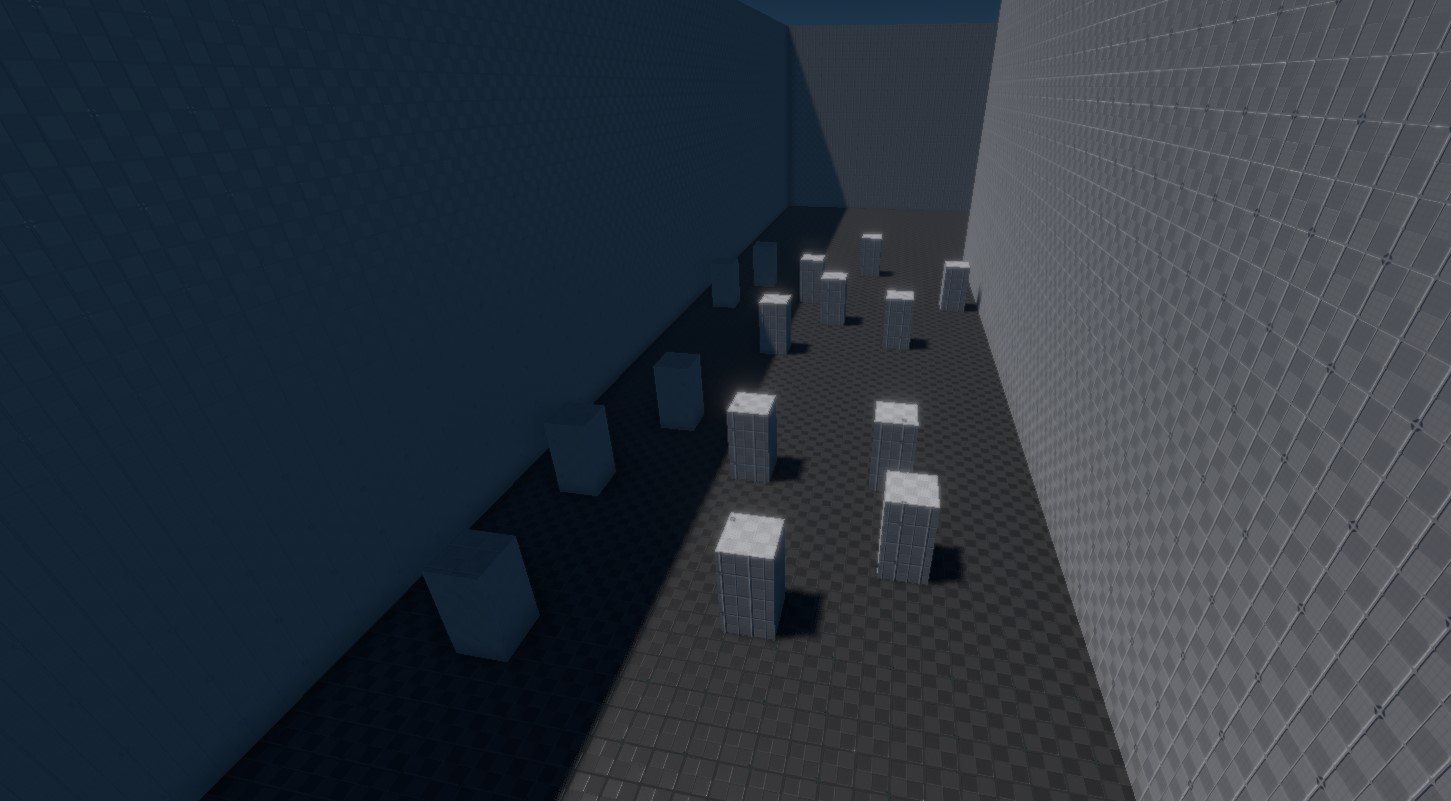
A new directional light in the editor is the sun at noon on the ground: 110,000 lux at 5700 K. In a scene tuned for an exposure near 1 this is far too bright: use Auto exposure on the camera, or Manual with EV100 around 15 (see Physical Light Units).
Use one directional light for the sun, and optionally a second, much dimmer one for the moon. Only one should cast shadows. The brightest directional light is treated as the sun: it always gets a contact shadow when its ContactShadows is on, and it drives sun-dependent effects.
Sun and sky
- A Sun Position component on the same object rotates the light for a latitude, longitude, date and time of day.
- With a Sky Atmosphere component that names this object as its sun (or moon), the light's
Intensityis taken as the illuminance above the atmosphere, and everything it lights sees it dimmed and reddened by the atmosphere at the camera. Use 128,000 lux at 5900 K (the sun above the atmosphere) in that case. - Scene > Lighting > Apply Scenario sets intensity, colour temperature and direction of the selected (or first) directional light for a time of day.
Component Properties
The Color, Shading and Shadows groups and the light header are shared with the other lights; see Light Properties.
| Property | Default | Description |
|---|---|---|
Temperature | 5700 K | Light colour as a colour temperature, when UseColorTemperature is on. |
Intensity | 110,000 lux | Illuminance on a surface facing the light. Always in lux. |
The following shadow settings are only shown while CastShadows is on, and only apply with cascaded shadow maps. With virtual shadow maps (Rendering.Shadows.UseVirtualShadowMaps, on by default) the sun's shadow covers a fixed area set by console variables instead, and these properties as well as SlopeBias and ConstantBias have no effect. See Dynamic Shadows.
| Property | Default | Description |
|---|---|---|
NumCascades | 2 | Number of shadow cascades, 1 to 4, limited further by Rendering.Shadows.MaxCascades. More cascades keep shadows crisp further from the camera but render more views. |
MinShadowRange | 30 m | Distance from the camera up to which objects cast shadows. |
FadeOutStart | 0.8 | Fraction of the shadow range at which the shadow starts to fade out, 0.6 to 1. With 30 m and 0.8, shadows fade between 24 and 30 m. |
SplitModeWeight | 0.7 | How the shadow range is split into cascades: 0 splits it evenly, 1 logarithmically (small cascades close to the camera, large ones far away). Higher values give sharper shadows close to the camera. |
NearPlaneOffset | 100 m | How far each cascade's shadow camera is pulled back towards the light. Objects between the sun and the visible area, such as tall buildings or mountains, only cast shadows if they lie within this distance. Too large a value wastes depth precision. |
Troubleshooting
| Problem | Cause and fix |
|---|---|
| The scene is completely white. | 110,000 lux needs a daylight exposure. Use Auto exposure or Manual EV100 15, or lower Intensity for a stylised scene. The light header warns about values under 1,000 lux, which usually come from old scenes. |
| Shadows end close to the camera. | With cascaded shadow maps, raise MinShadowRange. With virtual shadow maps, raise Rendering.Shadows.VSMClipmapLevels. |
Changing NumCascades or the bias does nothing. | Virtual shadow maps are on; they ignore these settings. |
| Tall objects outside the view cast no shadow. | Raise NearPlaneOffset (cascaded shadow maps). |