Point Light Component
The point light component (plPointLightComponent) adds a light that shines equally in all directions from a single point, like a bare bulb or a candle. It is the cheapest local light.
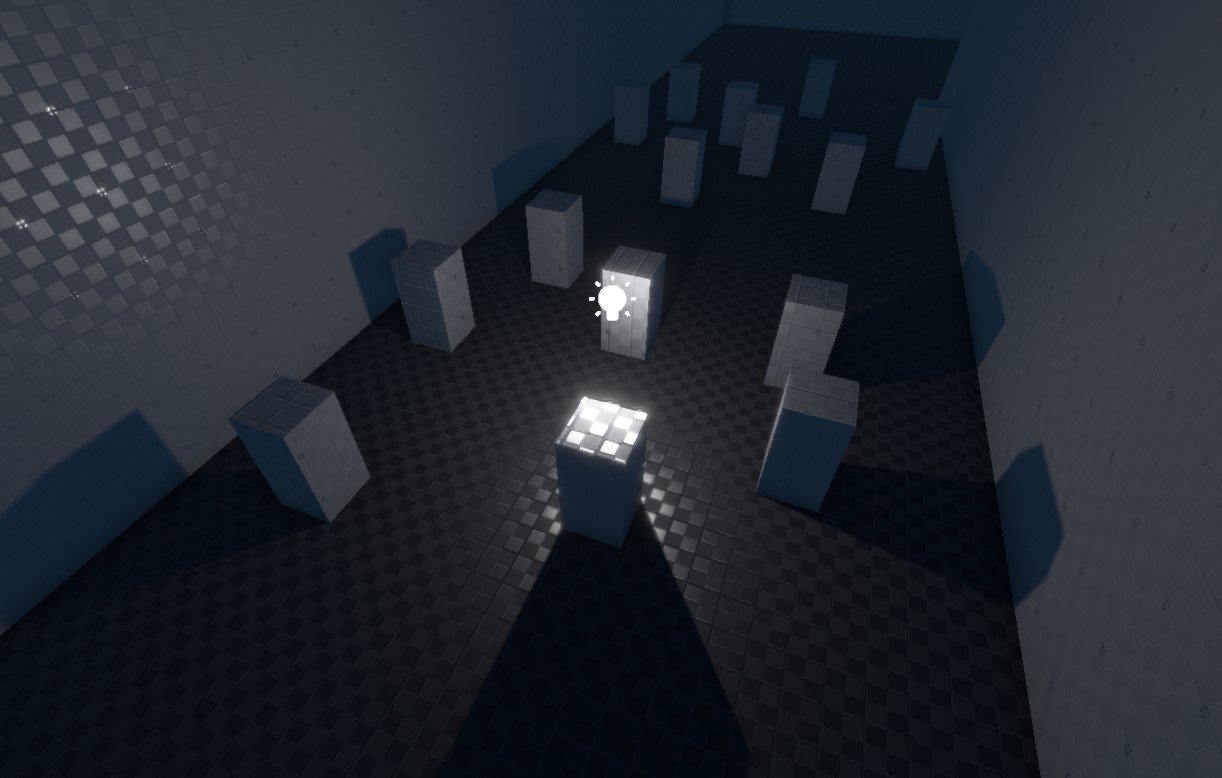
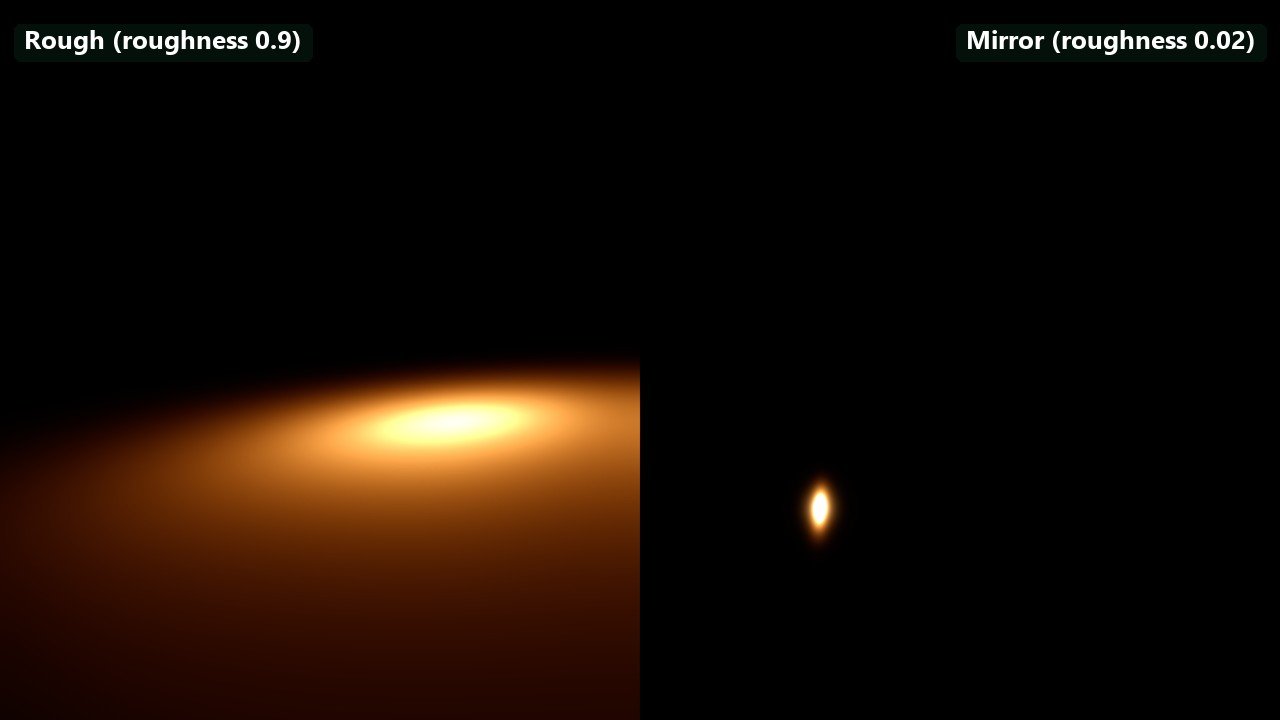
Left: a rough floor (roughness 0.9) shows how the light spreads. Right: a mirror floor (roughness 0.02) shows the light's own shape in its reflection. Two identical lights at default intensity, one over each half, same exposure. A new point light in the editor is a household bulb: 800 lm at 2700 K, with the range computed automatically.
Unless a light casts shadows, its light shines through walls. A point light's shadow renders six views, which makes it the most expensive light to shadow. If the light only needs to reach one side, for example a ceiling lamp that should not light the floor above, use a spot light with a wide cone instead: it may avoid the need for a shadow entirely, and its shadow is cheaper.
Each light costs performance, more so the more of the screen its range covers and the more lights overlap. Use the light count render mode to find hotspots.
Component Properties
The Color, Shading and Shadows groups and the light header with its Fixture preset button are shared with the other lights; see Light Properties.
| Property | Default | Description |
|---|---|---|
Temperature | 2700 K | Light colour as a colour temperature, when UseColorTemperature is on. |
IntensityUnit | Lumen | Lumen: total output, as printed on a bulb. Candela: light per solid angle, cd = lm / 4π. |
Intensity | 800 | Brightness in the selected unit. |
Range | Auto | Distance at which the light ends. Auto ends it where it falls below 0.5 lux (Rendering.Lighting.CutoffIlluminance); an 800 lm bulb reaches about 11 m. An explicit range ends it earlier or later with a smooth fade. See Range and falloff. |
Falloff | 1 | Exponent on the inverse-square distance falloff. 1 is physical; lower values carry the light further, higher values make it die off faster. |
ShadowFadeOutRange | Auto | Radius used to decide when the shadow fades out with distance. Auto uses the light's range. A larger value keeps the shadow visible from further away. Shown while CastShadows is on. |
The shadow fades out as the light gets small on screen: once its range sphere (or the ShadowFadeOutRange sphere) covers less than the height of the view, the shadow fades and its shadow map is dropped. Shadow-map resolution also shrinks with the light's screen size. See Dynamic Shadows.
Point lights have no source radius in rasterised lighting: their highlights are those of a point. For a round, visible highlight use a disk light; for a tube, a cylinder light. PenumbraSize sets how soft shadows are and is used as the light's radius by ray-traced direct lighting.
Troubleshooting
| Problem | Cause and fix |
|---|---|
| The light shines through walls. | Lights without shadows ignore geometry. Turn on CastShadows, use a spot light that points away from the wall, or rely on contact shadows for small details. |
| The light ends with a visible edge. | Range is set too short; the light header warns about this. Set it to Auto or extend it. |
| The light is invisible in daylight. | An 800 lm bulb is tiny next to the 110,000 lux sun. That is physically correct; for a light that must read in daylight, raise Intensity or use emissive materials. See Physical Light Units. |
| An old scene's light is off. | Lights saved before 0.12 with Range 0 were switched off and load with Intensity 0. Set an intensity. |